Drop the file, pick nothing else
MP3, WAV, or M4A. No RSS feed, no video track, no timeline to set up first. Podeo reads the audio and starts building.
You have an MP3 and you want it on YouTube. The usual tools give you a single still image with a waveform bouncing on it. Podeo takes the same MP3 and builds an actual video: directed scene by scene, captioned at the word, with b-roll and chapter markers, ready to upload.
No footage was shot for any of them. Podeo built each video from the audio alone. New exports appear here as they land in the bucket.
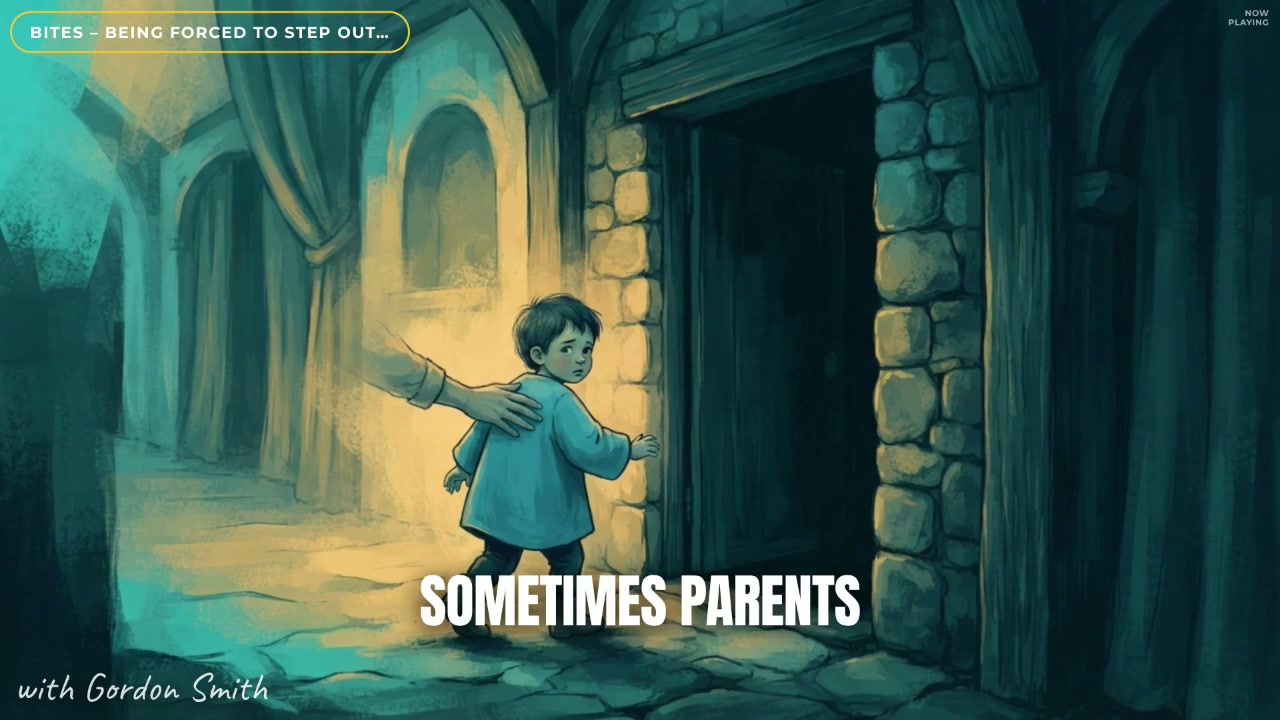
Finished export
Illustrated storytelling
MP3, WAV, or M4A. No RSS feed, no video track, no timeline to set up first. Podeo reads the audio and starts building.
Podeo Director writes a visual script from the audio, so there is movement on screen from the cold open to the outro, not one frozen image.
Captions are placed at the word, and translated subtitle tracks cover the major languages so the video travels past one audience.
Stock footage where a clip fits the subject, a generated shot where nothing does, each one placed on the line that calls for it.
Podeo detects the structure of the recording and writes timestamped chapters straight into the description.
The export carries an AI title, description, chapter list, and thumbnail, and posts to a connected channel in place.
You can, but YouTube needs a video file, so you end up with your audio behind one static image. That gives viewers nothing to watch and it tends to be shown to fewer people. Podeo turns the MP3 into a real video first, so there is something on screen the whole way through.
No. You can upload a single audio file directly. A podcast feed is one way in, but any MP3, WAV, or M4A works, whether it is an episode, an interview, a talk, or a voice recording.
Up to 120 minutes on the Studio plan. The lower plans cover audio up to 5, 30, and 60 minutes. Podeo resets the visual rhythm section by section so a long recording stays watchable throughout.
A finished MP4 with directed visuals, word-level captions, b-roll, and chapters, plus an AI-written title and description. Download it, or publish straight to a connected YouTube channel from inside Podeo.
There is a free trial with 30 credits. After that Podeo runs on credit plans at $49, $149, and $449 a month. Each build shows its credit cost before you spend it.
Set up your studio, drop your latest episode in, and watch Podeo's director do the rest. Free to try, no credit card.